
John Lewis
Checklist
- Profiles show Ready, with cards that can pass 3D Secure.
- A residential or ISP proxy list, tested against John Lewis.
- Microsoft Edge or Google Chrome installed (needed for bank checks).
- Orders, Failures and Bank approvals webhooks set in Settings.
Product input
| Input | Example shape |
|---|---|
| A product link | https://www.johnlewis.com/any-product-name/p123456789 |
| A PID (p then digits) | p123456789 |
| A SKU (digits) | 987654321 |
One product per window. A link or PID is best. A product that is not listed yet shows Waiting for product until it appears.
Modes
Monitor
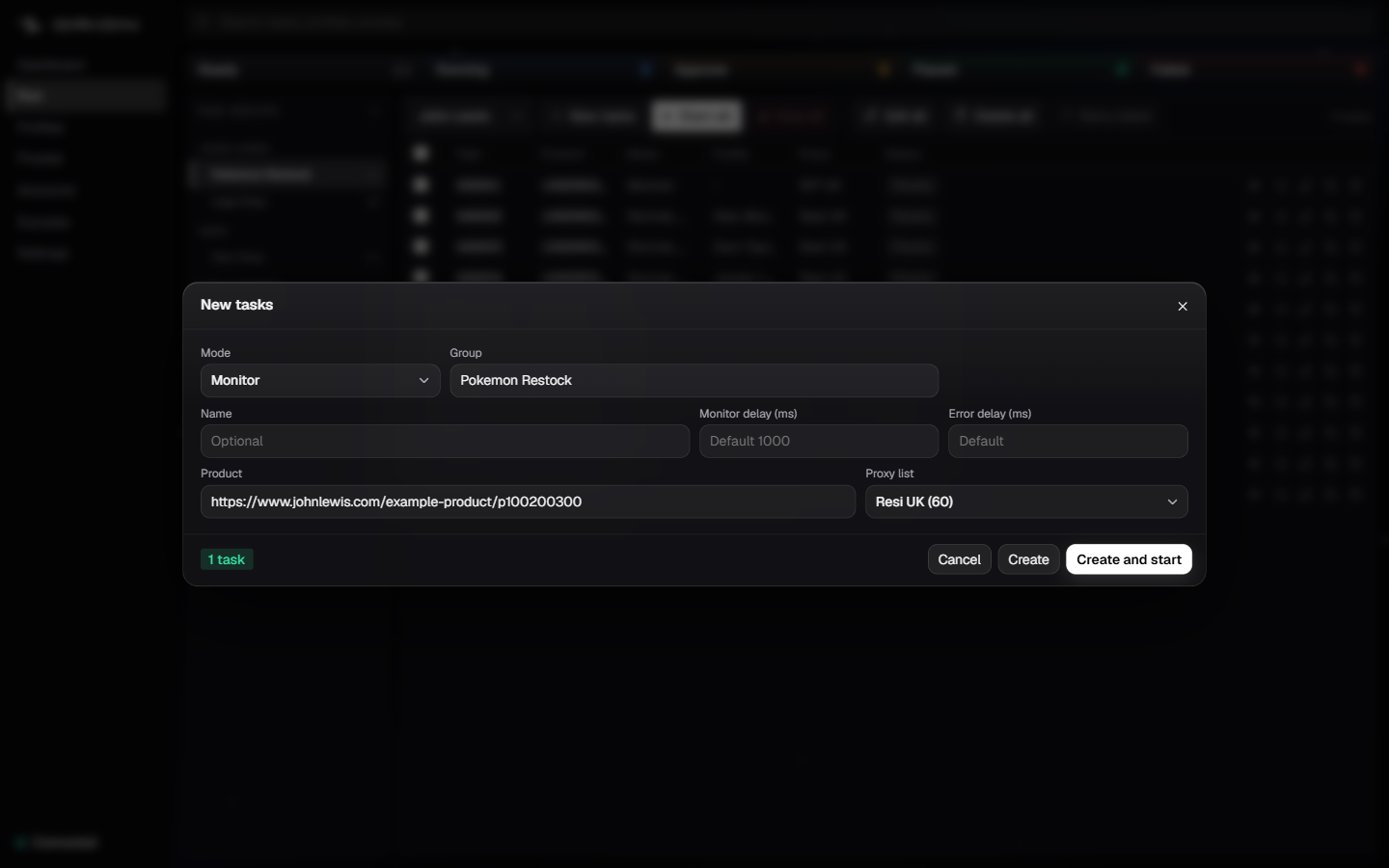
Adds stock watching for a product and posts in-stock pings to your Monitor webhook. Checkout tasks for the same product in the same group react as soon as it sees stock. Optional: checkout tasks watch stock themselves.
Special
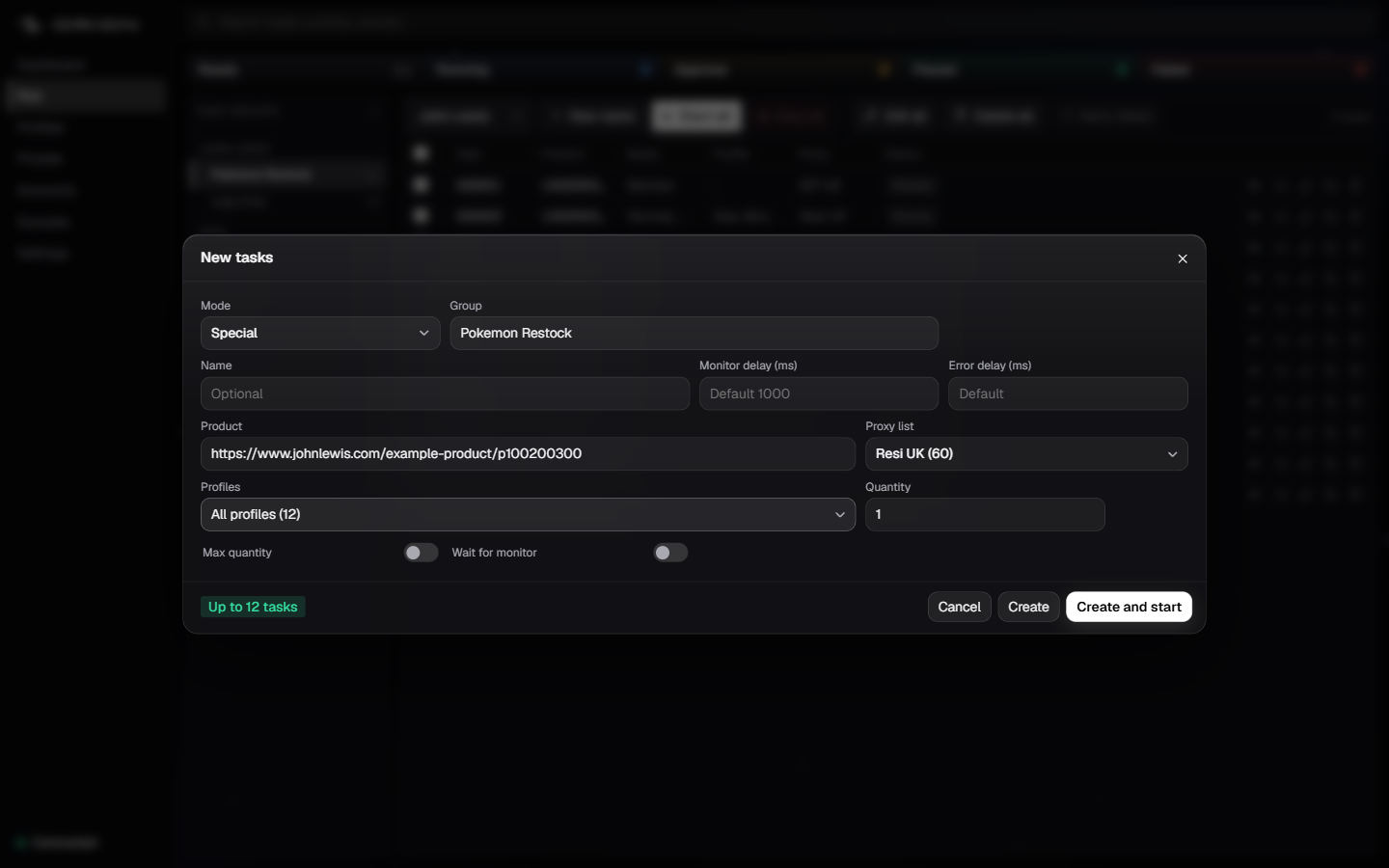
The fastest mode at the drop. Start it a few minutes before go-live so tasks are ready in time.
Use it for known drops. Proxy use: the heaviest of the modes.
Normal
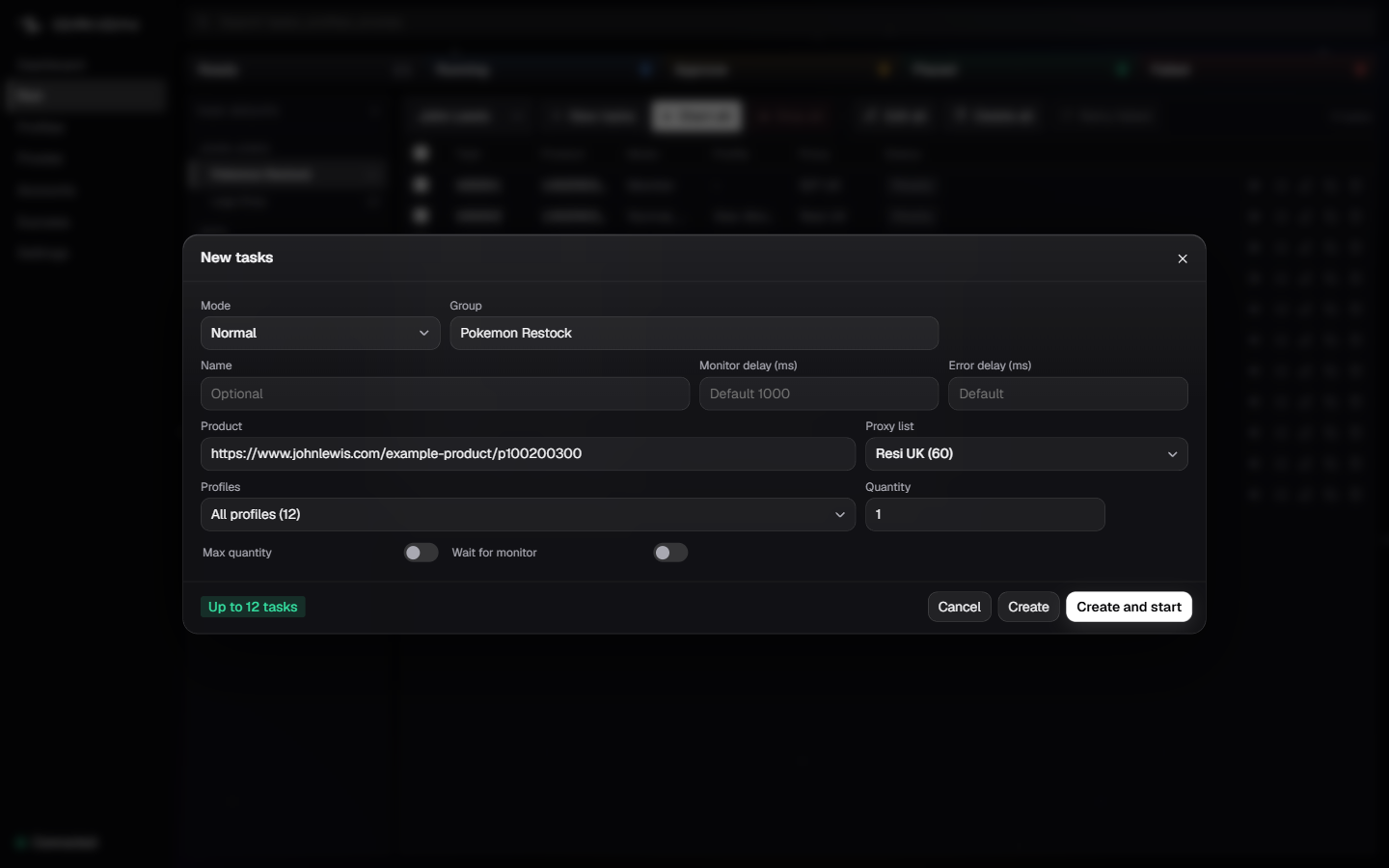
Use it for restocks, late starts, or lighter proxy use. Proxy use: lighter than Special.
Fields
| Field | What to put |
|---|---|
| Monitor delay (ms) | How often stock is checked. Default 1000. 250 to 60000. |
| Error delay (ms) | Pause after an error before retrying. Leave empty for the default. 250 to 60000. |
| Product | A link, PID or SKU. |
| Proxy list | The list tasks take proxies from. |
| Profiles | One task per profile. |
| Quantity | 1 to 99. |
| Max quantity | As many as John Lewis allows (up to 10). |
| Wait for monitor | On: tasks get ready, then wait for stock. Off: tasks go as soon as they are ready. |
John Lewis tasks pay by card.
Keep delays the same
Tasks for one product with different delays run separately and use more proxy traffic. Use one delay per product.
Restocks and retries
- A sold-out task shows Waiting for restock and goes again on the next restock.
- Other errors are retried for up to 30 minutes.
- A quantity above the limit is retried at the allowed amount, and a retry never doubles your basket.
3D Secure
When your bank wants approval the row shows Approve in your banking app, the Dashboard's Approve count goes up, and your Bank approvals webhook is posted with the time left. You have 10 minutes to approve.
Statuses
| Status | Meaning |
|---|---|
| Using special flow | Special mode getting ready. |
| Warming up | Normal mode getting ready. |
| Watching stock | Monitor running. |
| Waiting for product | Not listed on John Lewis yet. |
| Waiting for monitor | Ready, waiting for stock. |
| Checking out | Placing the order. |
| Approve in your banking app | Approve the payment now. |
| Waiting for restock | Sold out; goes again on the next restock. |
| Placed | Order placed. The order number is in Success. |
Common errors and fixes
| Error | What to do |
|---|---|
| Card declined | Check the balance and card, or use another card. |
| Card not accepted | Use a different card. |
| Bank check failed | Approve within 10 minutes; keep your banking app open during drops. |
| Payment failed | Check the card details and start again. |
| Could not add to basket | Start nearer go-live; try a fresh proxy list. |
| Blocked by the site | Use fresh residential proxies. |
| Network error | Test the proxy list and remove dead proxies. |
| Checkout failed / Order failed | Retry failed. If it repeats, send the task's logs in a ticket. |
| Could not start | Restart Orion. |